I'm Back

It has been a while — actually, more than a while. Years have passed since my last post, and the internet has moved on without me. But here I am.

Life gets in the way, as it always does. Work piles up, side projects multiply, and a personal blog quietly slips to the bottom of the priority list. Every now and then I would open the repo, think “I should write something”, and then close it again.
Ubuntu 26.04 LTS is coming!

Ubuntu 26.04 LTS “Resolute Raccoon” is almost here — official release is on April 23, 2026.

This is a Long-Term Support release, so it will be supported until April 2031, and up to 2036 with Ubuntu Pro.

Here are the main things to know.

Linux Kernel 7.0

The new kernel brings support for Intel Nova Lake and AMD Zen 6 processors. It also includes:

  • sched_ext — a new scheduling system that lets you write custom CPU schedulers using eBPF
  • NTSYNC driver — better performance for Windows games running through Wine or Proton
  • Dracut replaces initramfs-tools as the default initramfs generator

GNOME 50 and Wayland only

The desktop moves to GNOME 50. More importantly, Wayland is now the only default display server — XWayland is still available for older applications that need it.

Ubuntu 23.04 is out

I’m very excited to share that a new release of my favourite Linux distro is available!

Ubuntu 23.04 “Lunar Lobster” is out!

Get it now

Enjoy IT! Djacomo

Update Ubuntu with one cli command

Here is a list of commands to update Ubuntu (or Debian distro) in a with one cli command.

Explained version

sudo apt update && \ # Update repository
sudo apt upgrade -y && \ # Ugprade packages (yes to all)
sudo apt dist-upgrade -y && \ # Dist upgrade packages (yes to all) 
sudo apt autoremove -y && \ #  Removes orphaned packages which are not longer needed from the system, but not purges them
sudo apt autoclean -y && \ #  Cleans obsolete deb-packages, less than clean
sudo apt clean  # Cleans the packages and install script in /var/cache/apt/archives/

Multiline version

sudo apt update && \ 
sudo apt upgrade -y && \ 
sudo apt dist-upgrade -y && \  
sudo apt autoremove -y &&  \
sudo apt autoclean -y && \ 
sudo apt clean  

One line version (use this one!)

sudo apt update && sudo apt upgrade -y && sudo apt dist-upgrade -y && sudo apt autoremove -y && sudo apt autoclean -y && sudo apt clean

Gist file

fast-upgrade.sh

Cloc

Cloc: Count Lines of Code

If you have ever had the need to analyze the size of the code, the “cloc” can be a good tool.

It counts source code lines, blank lines and comments lines. Very useful for a simple code inspect.

Check it out this github repo! cloc

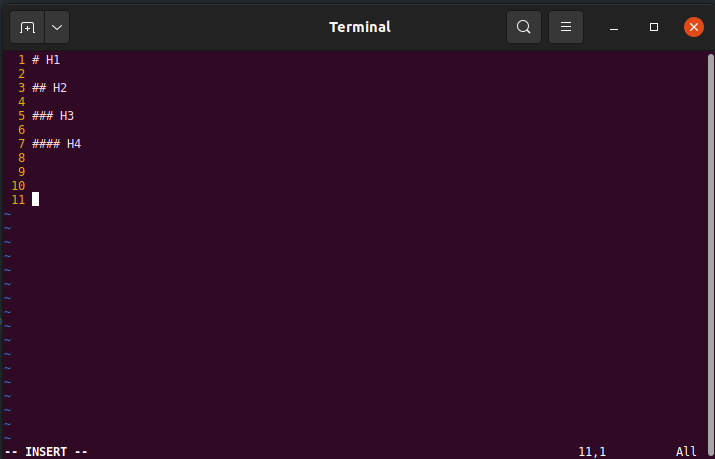
VIM - How to show row numbers

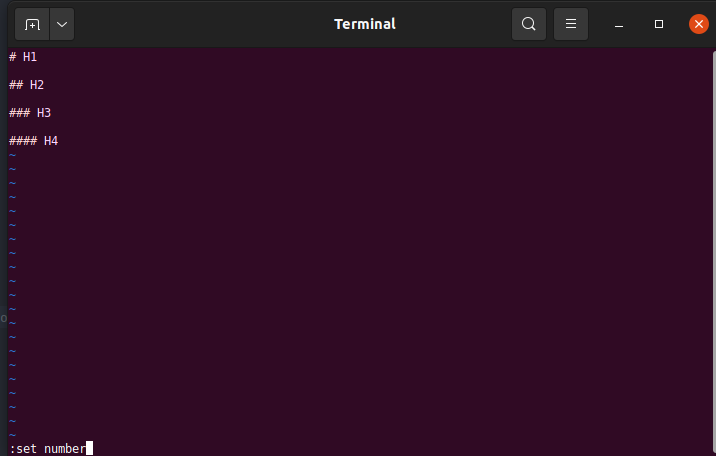
Show VIM row numbers

Copy/Paste guide

Show Numbers

set nu

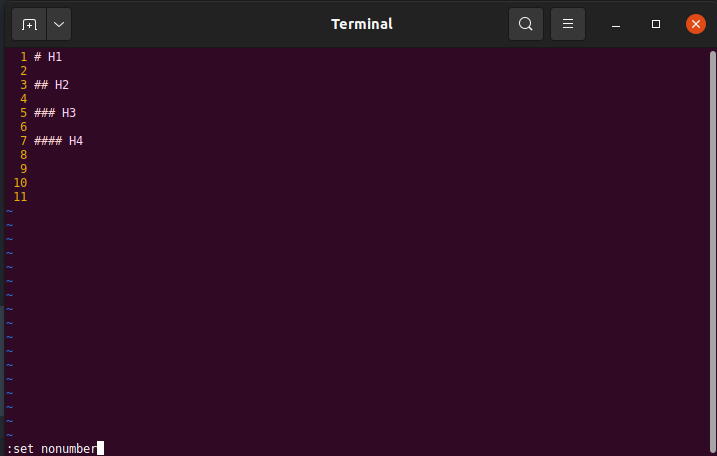
Hide Numbers

set nonu

Long version guide

set numbers

set number

or the shortcut

set nu

set numbers

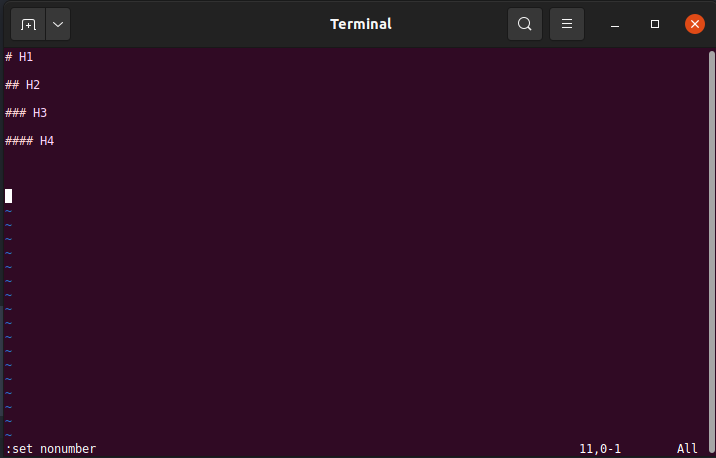
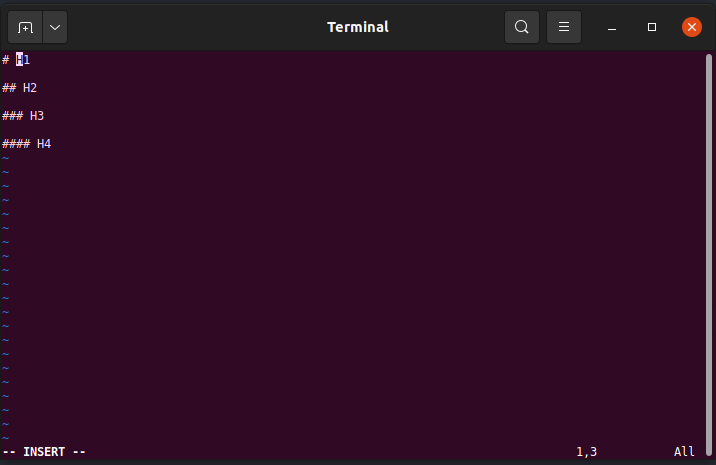
and then, this is the new fantastic-oh-my-God Vim:

set numbers

To come back, just type the reverse command:

set nonumbers

set numbers

and all gets back clean

set numbers

Mvn Config

Maven per-project settings

As seen on SKDMan Install and SDKMan Advance Config, often a project has specific requirements.

As a developer, if I wrote more than two times the same command, I try to find a way to automate that process.

Talking about Maven, in a development environment, where we always have to pass the same parameters. In this case the “Maven common configs” file comes to help.

Create .mvn folder and maven.config file

In your root project directory create another directory named “.mvn” .

SDKMan Advanced Config

SDKMan Advance config

As you can see in previous post (“SDKMan Install”), SDKMan is an useful tool for manage your dev machine environments.

Advance config tips

An option that I recently discovered is the way to configure and install projects dependencies in one step.

For example in our .sdkmanrc file, we have the following settings:

java=11.0.11-hs-adpt

Suppose that, after some days we need to specify the Maven version (ex 3.3.9), we can add it in our file:

SDKMan

SDKMan - Why use it

All devs, that work on several projects, have technical requirements for each of them.

Often in a Java project, the base requirements are:

  • JDK
  • Maven
  • Gradle
  • Apache JMeter
  • other strange things… :) (Hey the Demogorgon!)

In this situation, I think that the best choice is not to mess your dev system.

Before using SDKMan, I needed to edit my “JAVA_HOME”, “M2_HOME” envs variables, for each project.